First steps, in order
The shortest path from an empty app to a runway that means something.
Five things, and the app is doing its job. The Runway screen keeps score while you work through them.
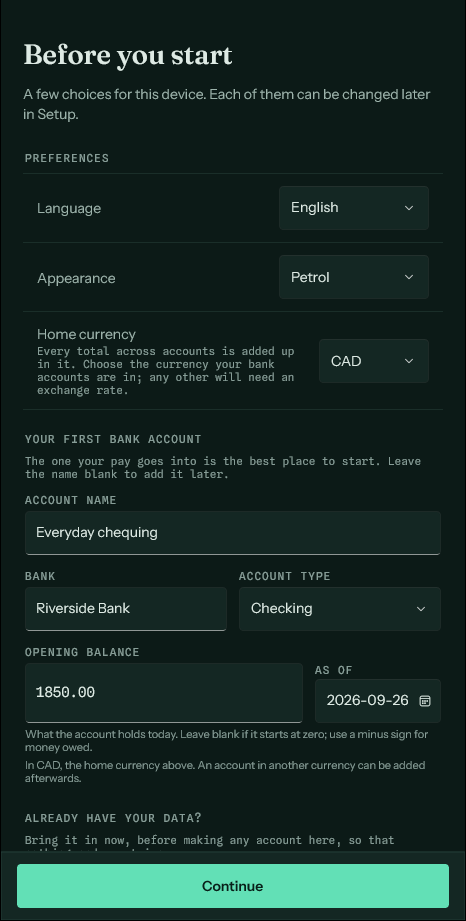
The first launch asks for a language, an appearance and a home currency, and offers to make the first account there and then, in that currency. Pick the currency your bank accounts are in. If your data is already in a backup from another device, restore it on that same screen, before making any account, so nothing ends up twice.
- Add an account. Name it, say what it is, and enter the balance it holds right now — that figure is where every projection starts, so it is worth getting right.
- Record a few entries, or import a statement. Either way the ledger stops being empty and the recent past becomes visible.
- Add what is coming, on the Due screen. This is the step that turns the app from a record into a forecast. Until something is due, the runway is just today's balance drawn flat.
- Set a budget for the month. Optional, but it is what makes the Budget screen say anything.
- Import a statement and reconcile. This is how the ledger and reality stay in step over time.