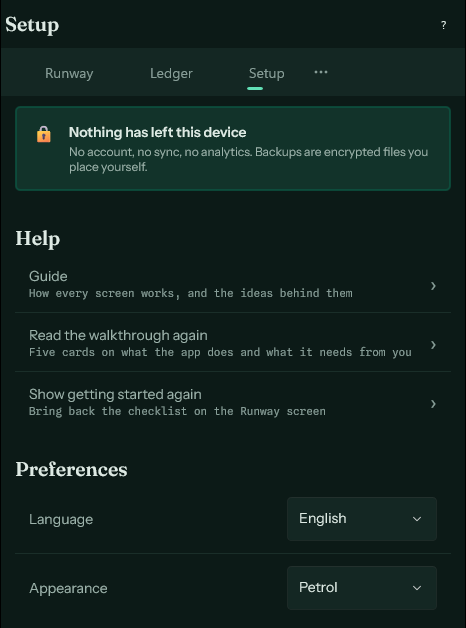
The Setup screen
Language, appearance, reminders, the app password, categories, currencies, exports and backups.
Everything that is configured rather than used.
- Language and appearance. Both take effect immediately.
- Reminders. Notifications this device delivers on its own, for payments coming up and for a balance heading too low.
- App password. Locks the app, and encrypts every backup made afterwards.
- Categories. The list of names you can file an entry under. Renaming one carries the new name through to every entry filed under it.
- Categorization rules. What an imported line is filed under when the wording says so.
- Currencies. The home currency every total is added up in, and the exchange rates for the others.
- Export. Every account's entries, categories, or months, as a spreadsheet file.
- Backups. Make one, share it out, or restore from a file.
- The version, and where your data file actually sits on this device.