Importing a statement
How the ledger gets checked against what the bank actually did.
Your bank can give you a statement file — OFX, QFX or CSV. Alvenera reads it, lines it up against what is already in the ledger, and shows you the result before anything is written.
- On the Ledger screen, choose Import and pick the file.
- Every line comes back with a proposal: reconcile it against the entry it matched, add it as a new entry, or leave it out. Lines that match something you already have are marked as such, with your version shown beside the bank's.
- Change any of those decisions you disagree with.
- Apply. Only then is anything written.
Matched entries become reconciled — the highest certainty the app has. New lines are added already reconciled, since the bank is the one saying they happened.
Categories, filled in for you#
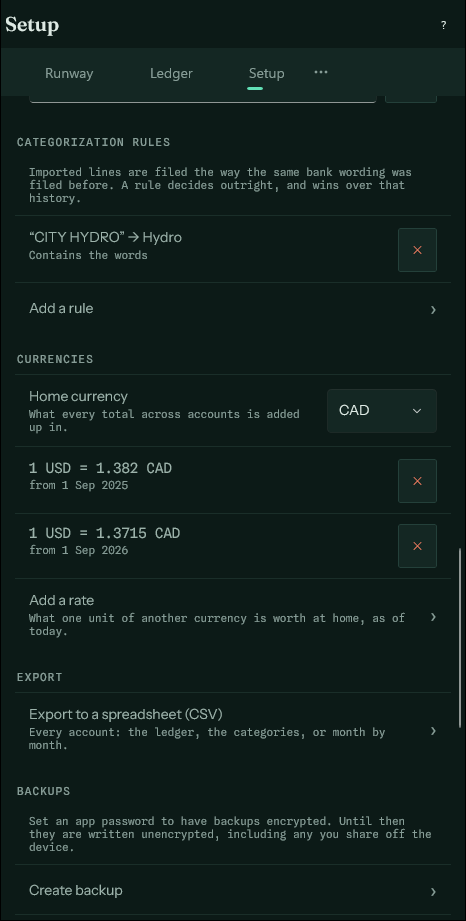
A statement file rarely says what anything was. So each new line arrives with a category already chosen wherever the app can tell: from a rule you wrote in Setup, or from how the same bank wording was filed before. Store numbers and reference codes are ignored, so the coffee shop on one corner and the same chain on the next are recognised as one. The line says which it was — by rule, as before — and you can change it before applying.
A bill whose schedule estimates the amount is matched even when the bank's figure is a little different, and asked about rather than settled. Reconciling it keeps the bank's amount, and the next estimate is worked out from it.